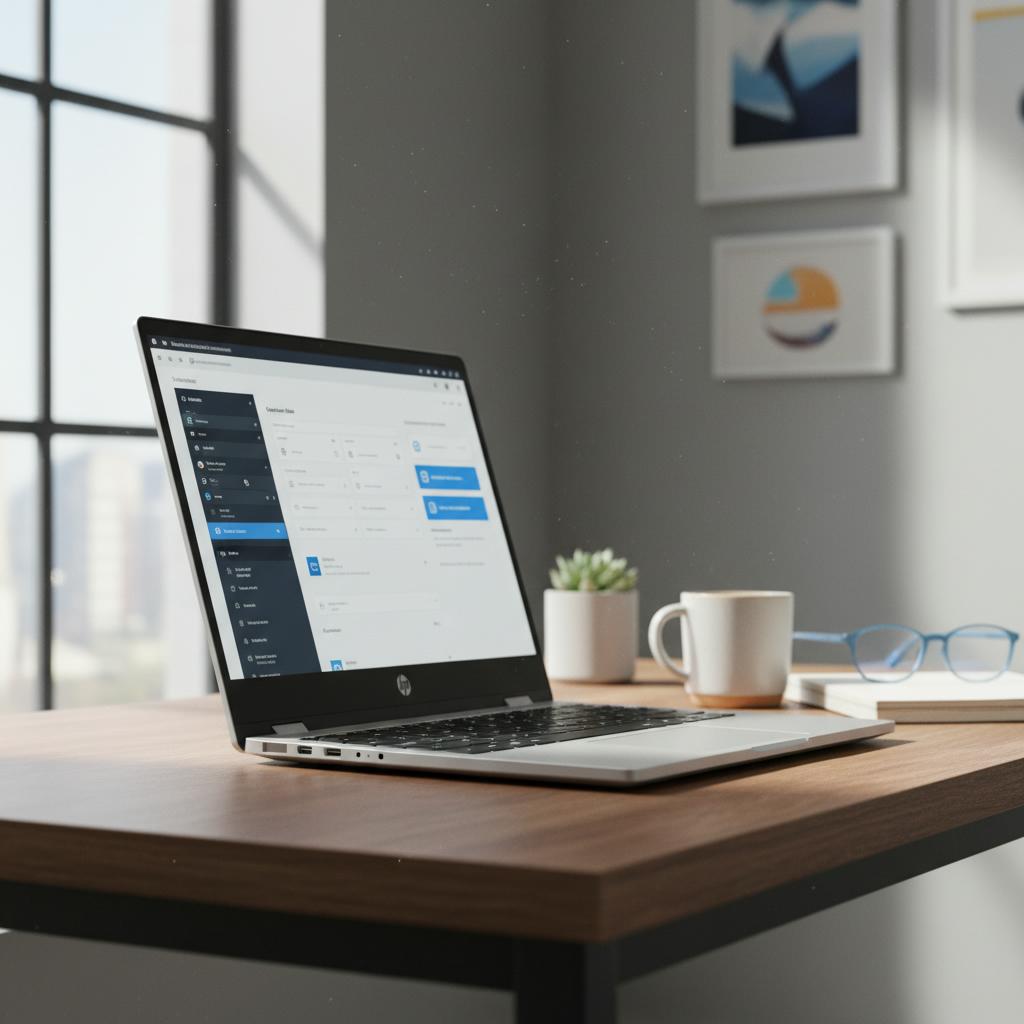
The HP OmniBook 7 quietly entered the upper mid-range laptop segment in 2025, aiming to bridge the gap between mainstream and premium productivity machines. Despite being overshadowed in HP’s product lineup and suffering from poor marketing visibility, this laptop boasts a compelling combination of solid build quality, robust performance, and thoughtful features — but it’s not without its weaknesses. In this review, we explore what makes the OmniBook 7 a worthwhile buy and where it falls short.
Design and Build Quality
HP stepped up the material quality for the OmniBook 7, equipping it with a full aluminum chassis in a sleek silver finish that exudes a premium look and feel. The laptop weighs around 4.2 pounds, which is slightly heavier than average for a 16-inch device but remains comfortably portable for productivity on the go. Its symmetrical, conservative design suits professional environments well.
Port selection is notably diverse and useful: on one side, there is a USB-A SuperSpeed port, HDMI 2.1, Thunderbolt 4, and USB-C with power delivery and DisplayPort capabilities. The opposite side carries an additional USB-A port and a headphone jack. The notable omission is an SD card reader, which may inconvenience some users.
However, the Achilles heel lies in the hinge mechanism. The hinges feel flimsy and excessively loose, exhibiting noticeable wobble. This weak point raises concerns about the laptop’s durability over time, particularly for users who frequently open, close, and transport it. Potential buyers should carefully consider this risk.
Display: Functional but Underwhelming
The OmniBook 7 features a 16-inch IPS panel with a Full HD+ resolution, a matte finish, and a standard 60 Hz refresh rate. While adequate for general productivity and casual use, this display falls short for color-critical work, registering only about 62% of the sRGB color gamut. The limited 300-nit peak brightness also restricts outdoor usability in very bright environments despite the matte coating reducing glare.
HP offers higher-tier configurations with improved 2K+ resolution and faster refresh rates, which may better satisfy users needing sharper and more vibrant visuals. For those settling for the base model, the display suffices but lacks the punch expected at the upper mid-range price point.
Performance and Thermals
Under the hood, the reviewed configuration is powered by Intel’s Core Ultra 5 255H processor paired with 16 GB LPDDR5X memory and Intel’s integrated ARC 130T graphics. This setup comfortably handles everyday tasks such as web browsing, document editing, and moderate programming workloads. It also manages creative tasks like multi-layer 4K video editing and medium complexity 3D modeling quite well, with only occasional frame drops during intensive color grading.
For casual gaming, the ARC 130T GPU performs admirably, running titles like Counter-Strike at high settings near 60 FPS. The laptop maintains low surface temperatures even under peak load, hovering around a cool 34 to 37°C with fan noise kept to a quiet mid-40 decibel range or below, which enhances comfort during prolonged use.
Keyboard, Trackpad, and Audio
The typing experience on the OmniBook 7 is a standout feature. The full-size, backlit keyboard boasts large keycaps with a tactile yet soft feel, providing solid feedback that ranks just behind leading models such as Lenovo’s Yoga series. The centrally located trackpad offers decent surface area and responsiveness, though it exhibits minor flex and likely has a plastic surface with a thin glass coating rather than solid glass.
Audio quality, delivered via dual speakers placed on the bottom corners, impresses with balanced lows, mids, and highs. While maximum volume could be higher, the sound remains clear enough for calls and media consumption, supported by HP’s sound enhancements.
Battery and Connectivity
A sizable 70Wh battery underpins the OmniBook 7, delivering impressive endurance for around 10 hours of typical productivity use. The included 100W USB-C charger supports fast charging, complementing the convenience of modern power delivery standards. Wireless features include Wi-Fi 7 and Bluetooth 5.4, ensuring fast and reliable connectivity.
Conclusion: A Balanced Laptop with Key Trade-offs
The HP OmniBook 7 offers a compelling value proposition in the upper mid-range laptop space. With premium aluminum construction, strong performance for productivity and light creative work, a comfortable keyboard, good thermals, and solid battery life, it ticks many boxes for professionals and students alike.
However, the subpar base display and the worrying hinge quality are significant drawbacks that cannot be overlooked. The hinge in particular poses a potential long-term reliability issue that could render the laptop unusable if it breaks. Buyers should weigh these considerations carefully.
Overall, if your priorities include a well-rounded machine with a premium feel and you can avoid rough handling, the HP OmniBook 7 remains a viable contender in 2025’s crowded laptop market — but buyer vigilance is advised, especially regarding its weakest point.